The processes, the systems, and what changed.
Seven case files: four client systems and three Codex automations. The detail is the point.
HVAC Lead & Booking Automation
Six GoHighLevel workflows that answer a new lead in under 60 seconds, route by sentiment, book the job, recover no-shows, and request the review after completion.
The problem
Leads arrived through Facebook lead ads and a claim-offer form and went cold within minutes. Every reply was typed by hand, so after-hours enquiries waited. Appointments were booked manually, no-shows were never followed up, and nothing asked for a review once the job was done.
What made it work
- The 7-minute wait plus sentiment branch is the core state machine: a hot lead gets the booking link, silence routes to call connect and voicemail, and negative sentiment escalates to a human path.
- No-show recovery reuses the pipeline rather than a separate list.
- The review request is gated on job completion so it cannot fire against an open deal.
- Every transition is driven by an event from the previous step, with no polling and no manual stage editing.
The system
Facebook Lead Ad and claim-offer form post a webhook payload into GoHighLevel.
Twilio SMS and email, first reply inside 60 seconds.
The CRM contact record is the source of truth; every stage transition is a status change.
A 7-minute reply window, then a sentiment split into positive, negative and neutral paths.
Calendar link on a positive reply, plus reminders before the appointment.
The no-show path re-enters the same nurture sequence rather than a separate list.
The review request fires only after job completion.
Failed webhooks retry and each step fires only on a valid event payload.

Outcome
Six workflows in production: leads answered in under 60 seconds, appointments booked automatically, missed appointments recovered, and reviews requested without anyone touching a record.
Open the full case fileReview & Reputation Management
Four workflows that request reviews after completion, stop on engagement, and intercept negative feedback before it reaches the public page.
The problem
Review collection depended on whoever remembered to ask. Negative feedback went straight to the public page because nothing intercepted it first, and customers who had already left a review kept being asked again.
What made it work
- Exit-on-engagement is the rule that fixed over-messaging: the moment a customer clicks the review link, the sequence ends.
- Negative feedback is intercepted before it reaches the public page and routed to the team as an alert.
- Review requests are tied to the completion event rather than a calendar schedule, so the ask lands after the work is done.
The system
A contact tag applied on job completion in GoHighLevel.
SMS and email, sequenced rather than sent together.
A wait interval followed by a single follow-up.
Link-click detection stops the sequence immediately.
Low-score responses route to a private form and raise an internal alert.

Outcome
Four workflows collecting reviews automatically, negative feedback intercepted privately, and no customer asked twice for the same review.
Shopify → Zoho → Xero Order Automation
A five-module Make.com flow that takes a Shopify webhook through Sheets, Gmail, Zoho stock, Xero contact resolution, and a referenced invoice.
The problem
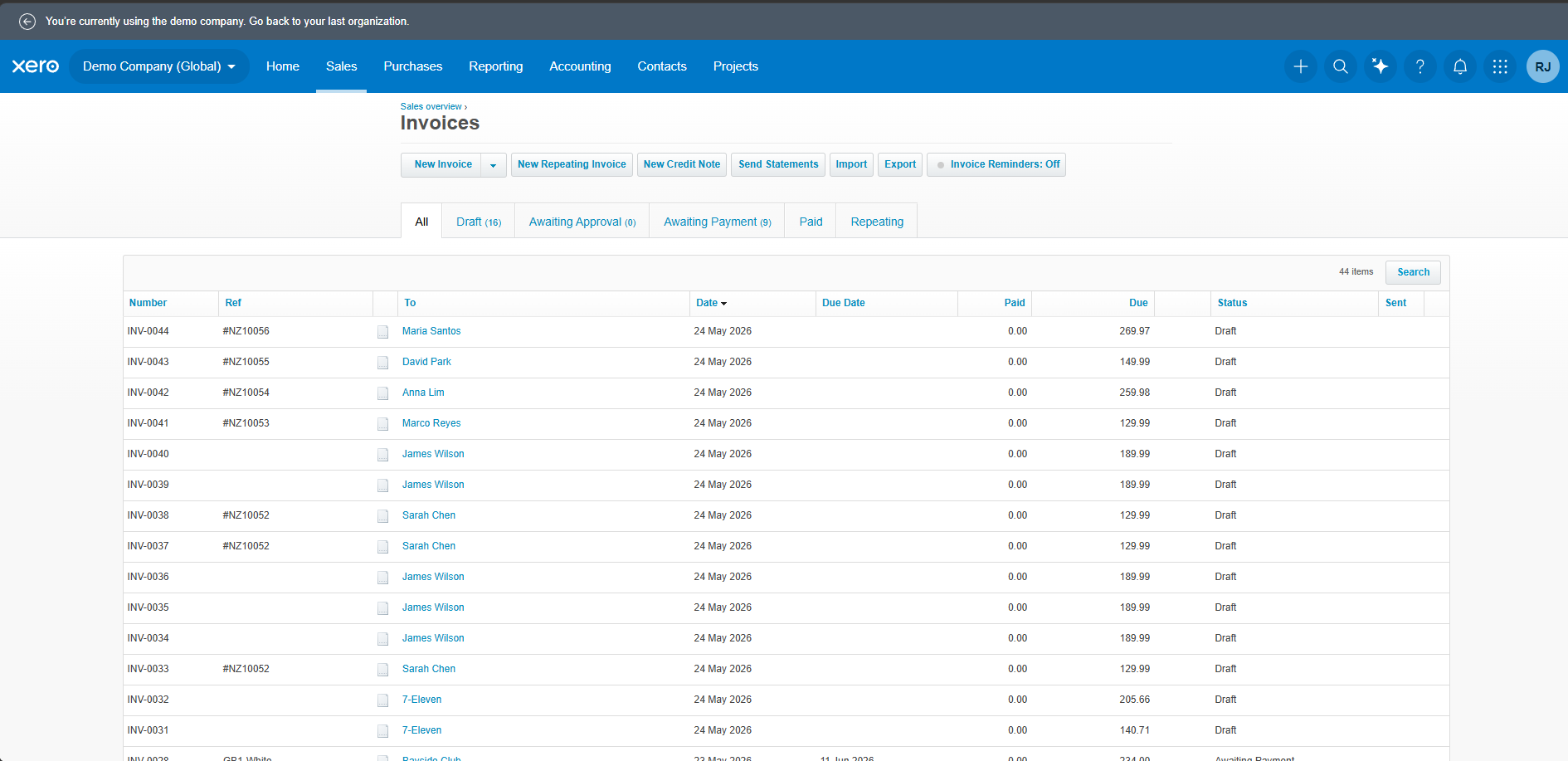
Orders were processed by hand: logged into a spreadsheet, invoiced manually in Xero, and confirmed with typed emails. Nothing checked whether the customer already existed in Xero, so duplicate contacts accumulated, and invoice references were inconsistent between orders.
What made it work
- The contact-resolution router is the part that matters: invoicing only runs after the contact is resolved, so a first-time customer cannot create a duplicate record and an existing customer cannot create a second one.
- Five scenarios were tested end to end: new customer, existing customer, no contact match, malformed payload and repeat order.
- The spreadsheet acts as a log rather than a queue, so nothing waits on a human to move a row.
The system
A webhook receives the Shopify order payload.
The order is written to Google Sheets as the running record.
Gmail sends the customer confirmation.
A Xero contact search runs before anything is invoiced.
Existing contact creates the invoice directly; a new contact is created first.
The Xero invoice is generated with the correct reference.
Five scenarios were validated in ReqBin, from new customer to malformed payload.

Outcome
A webhook arrives, the order is logged, the customer is notified, the contact is resolved or created in Xero, and the invoice is produced with the right reference, across five test scenarios with no manual steps.
Open the full case fileMulti-Source ERP & Customer Account Reconciliation
A Python and SQL pipeline that normalises ERP, account-platform and spreadsheet extracts, matches accounts, isolates exceptions, and drives daily and weekly reporting.
The problem
Commercial account data lived across an enterprise ERP, a customer account platform and operational spreadsheets that did not agree. Account records were matched by hand, mismatches were found late, and daily and weekly figures were collated manually.
What made it work
- Reconciliation runs identifier-first with a normalised name and address fallback, so records still join when source systems format the same account differently.
- Mismatches are classified rather than skipped: missing record, conflicting value, or duplicate.
- Reporting figures are derived from the reconciled dataset, which removes manual collation and the transcription errors that came with it.
- The same pipeline runs each cycle, so figures stay comparable week to week.
The system
ERP account exports, customer account platform records and operational spreadsheets.
Python scripts pull and normalise each extract into a common schema.
SQL joins resolve records on a stable account identifier, with normalised name and address as fallback.
Near-duplicate accounts are flagged rather than silently merged.
Unmatched and conflicting records are isolated into a review queue.
The reconciled dataset drives the daily and weekly activity reports.
Excel and Google Sheets carry the review queue and published workbooks.
Outcome
Account records reconciled across three sources, mismatches surfaced for review instead of reaching reporting, and daily and weekly reports generated from clean data rather than manual collation.
Internal tooling built with Codex: reporting pipelines, audience hygiene and versioned agent skills.
Automated Daily Activity Reporting
A Python and Node pipeline that turns XGen exports into verified per-day, per-rep application, card, deferral and approval figures inside a six-sheet Excel workbook.
The problem
The daily activity workbook combined telephony metrics from Power BI with credit-application metrics from XGen. Every application, card, deferral and approval column had been empty since 25 September 2026, and the live CRM interface exposed neither card counts nor decision statuses.
What made it work
- A control week matched the issued weekly figures exactly—2 applications, 15 cards, 1 deferred, 1 approved and 10 cards approved—before the method was trusted on unverified days.
- Every populated cell carries a note recording its source and rule; summary columns aggregate the five rep sheets by formula.
- Two retroactive source changes were detected and corrected, including a card count that grew from 1 to 16 and a pending application that was subsequently declined.
The system
Map XGen, Power BI and the rolling workbook to one reporting chain.
Recover owner attribution, alias consolidation, date windows, withdrawn applications and deferral semantics.
Reproduce the already-issued 30 Sep–6 Oct totals exactly before applying the rules to unverified days.
Resolve per-day, per-rep figures for 24 September–12 October and reconcile them with telephony evidence.
Run a Python extractor and a Node workbook writer that seeds values, formulas, formats and provenance notes.
Fail if any call column changes; recalculate, scan for formula errors and render changed regions for review.
Package the procedure as the reusable Codex skill “united-card-daily-report”.
Outcome
17 days of missing CRM metrics restored across six worksheets. The run produced 11 applications, 61 cards, 4 deferrals, 5 approvals and 25 approved cards, with zero formula errors and telephony columns proven unchanged.
Audience List Hygiene & Data Cleanup
A Mailchimp API toolkit for audited bulk archiving, suppression tagging and audience maintenance, with dry-run defaults and count gates before every irreversible action.
The problem
Across 35 Mailchimp audiences, 40,120 contacts sat unsubscribed or hard-bounced with no removal mechanism. One competition audience was 76% non-deliverable, and an audience labelled “Test” held 1,617 live customers imported from a portal migration.
What made it work
- The three-count gate caught mismatches before irreversible archive actions; each of the six passes was verified by API count collapse.
- The identifier index used the account-number field as the only reliable join between cancellation records and audience members.
- Resolved matches were tagged and read back individually; unmatched cancellations were reported as a data gap rather than guessed.
The system
Build a Python standard-library toolkit with an offline fixture mode, dry-run default and an explicit live-write flag.
Fix the web-ID versus API list-ID mismatch and the HTTP 204 success handler that made successful writes look like failures.
Require the filtered count, selected count and typed platform confirmation to agree before every archive.
Treat partial archive counts as in-flight processing, not an operation cap, and prevent destructive re-runs.
Archive 38,467 unsubscribed and cleaned contacts across three audiences in six verified passes.
Page 41,091 members into 6,123 account numbers and match 43 cancellation codes to 12 contacts.
Use masked addresses and SHA-256 fingerprints, then document the verified technical scope and open marketing decisions.
Outcome
38,467 undeliverable contacts archived across three audiences with zero failures. Unsubscribed and cleaned counts on all three audiences fell to zero; 12 whole-account closures were tagged and verified, and the live-customer “Test” audience was renamed.
Custom Agentic Skills & Repository Versioning
A version-controlled library of Codex skills covering daily reporting, inbox triage, portal setup, gift-card invoices, discount batches and welcome emails.
The problem
Recurring operational workflows depended on the person who discovered them. The runbooks, scripts, validation gates and reporting formats lived in separate task folders with no shared baseline or version history.
What made it work
- The repository baseline contains 11 operational skills, each with its own scripts and references rather than a single monolithic prompt.
- Git history preserves both the baseline and the later workflow updates, so changes to a control can be traced.
- Skills include validation and reporting requirements, which turns an ad-hoc Codex session into a repeatable operating procedure.
The system
Bring the 11 United Card operational skills into one Git repository with a clean initial commit.
Package each workflow as a Codex skill with a runbook, scripts, references and a compact reporting format.
Encode control checks, duplicate checks, count gates and exception paths so a run cannot silently pass.
Track later changes—including inbox processing, discount expiry, welcome email and career journal updates—as a second commit.
Keep skills portable across tasks so the same procedure can be run again without rebuilding the workflow.
Outcome
Eleven operational skills are version-controlled in Git, with a baseline commit and a subsequent update commit. The library covers daily reporting, inbox triage, portal setup, gift-card invoices, discount batches, weekly sales and activity reports, and welcome-email preparation.
Start with the process
Send the process that is still running by hand.
You get a written read on what can be automated, what it would take, and what it removes from the week. No pitch deck required.